
Chapter 2. Installation, Updates and Support
Abstract
How to install CLS Ad Slot, what the package puts on your site, how to enter your Download ID and keep it up to date, how to remove it cleanly, and how to get help.
Installing
Download the installation package, pkg_clsadslot, from your account on the JCH
Optimize website.
Install CLS Ad Slot
The package installs the component, its module, its plugins and its dashboard modules in one go.
The package file you downloaded, saved on your computer. Don't unzip it.
-
In your Joomla administrator, go to → → .
-
On the Upload Package File tab, drag the package file onto the page, or click and choose it.
Figure 2.1. Uploading the package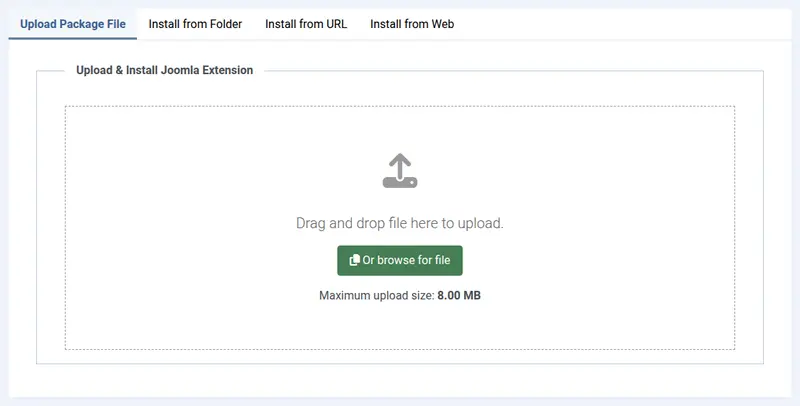
-
Wait for the success message. now appears in the menu.
On This Page