
The Configurations Page
Open it from → on the dashboard. It has two tabs:
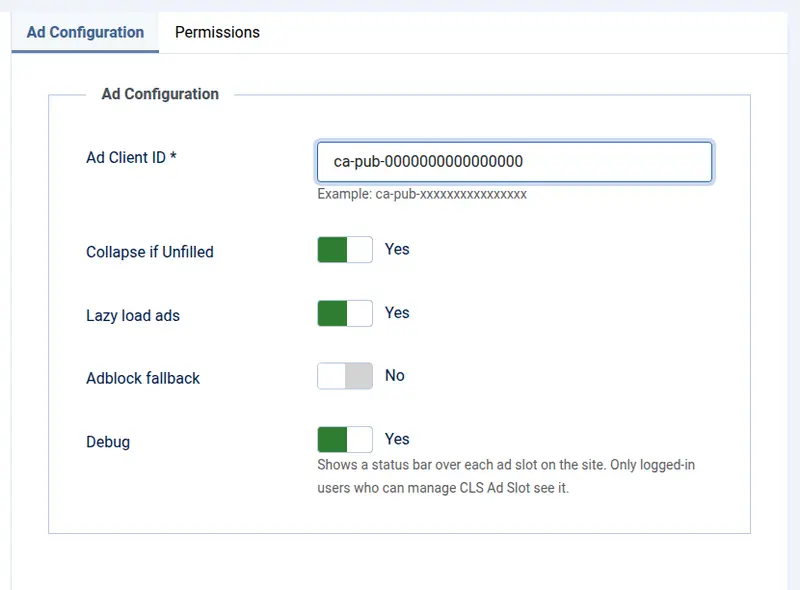
- Ad Configuration
-
Your Ad Client ID and the settings that decide how every slot on your site behaves: lazy loading, collapsing, fallback content and debugging. See the section called “Global Settings”.
- Permissions
-
Which user groups can open CLS Ad Slot and change its settings, as for any other Joomla component.
Figure 7.1. The Configurations page
On This Page