
Step 2: Create the Module
-
Go to → , click and choose CLS Ad Slot.
-
Give the module a title, such as
Ad - Sidebar, and set Title to Hide on the right if you don't want the title shown above the ad. -
Open the Slot Configuration tab. Leave Ad Unit Type set to Display Ad Unit and paste your number into Ad Slot ID.
Figure 5.1. The Slot Configuration tab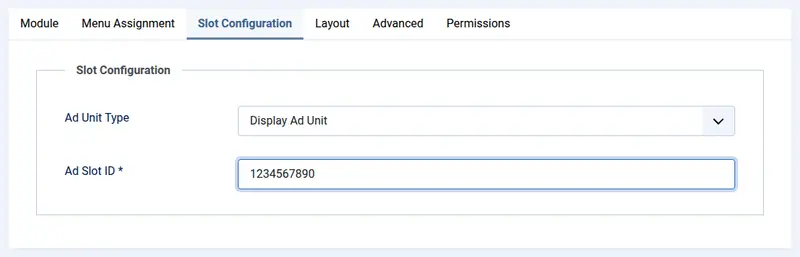
On This Page