
Step 2: Create the Slider
-
Go to → → and click .
-
Type
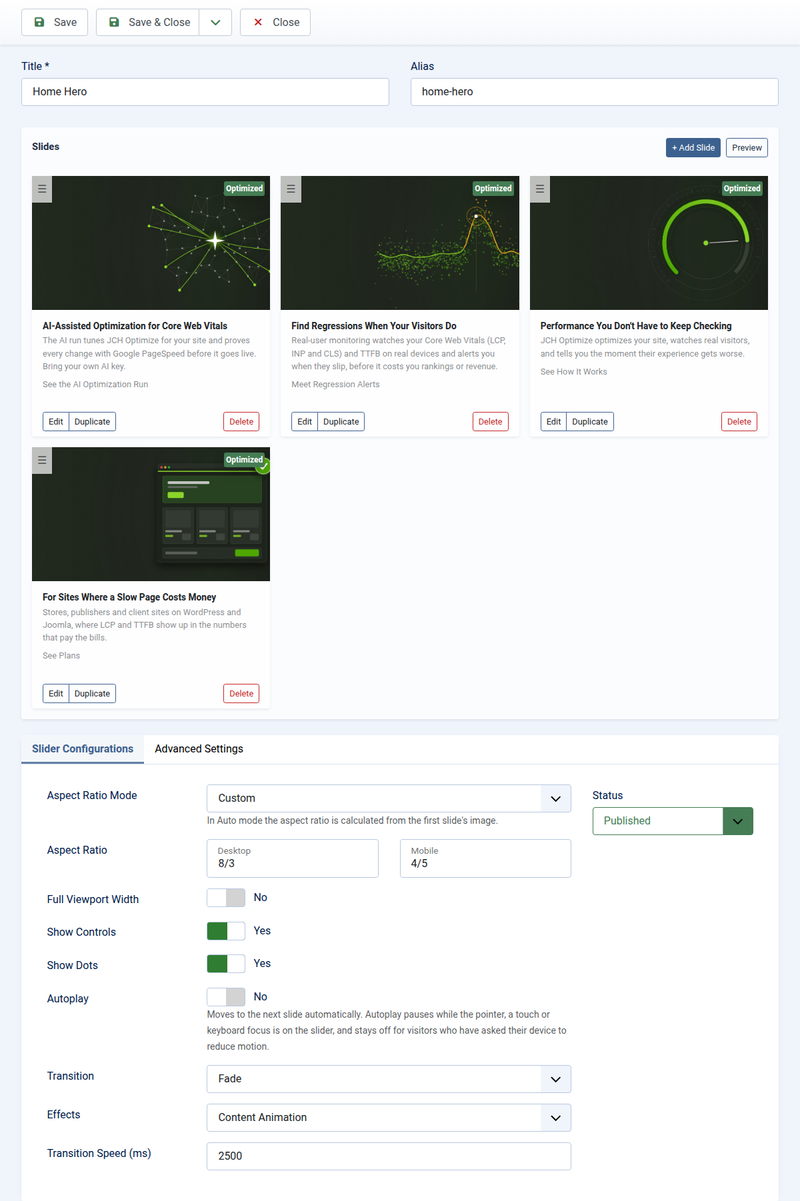
Homepage heroin Title. -
Leave Aspect Ratio Mode on Auto for now. The slider will take its shape from the first slide's image.
-
Click . The Slides panel above the settings becomes active.
Figure 5.1. The slider editor, with the Slides panel above the settings
On This Page