
Optimize Your .htaccess File
Two PageSpeed suggestions are about your web server rather than your pages: Enable text
compression and Serve static assets with an efficient cache policy. On an
Apache server (the most common kind on shared hosting) JCH Optimize can fix
both by adding rules to your .htaccess file. The rules:
-
compress text files (HTML, CSS, JavaScript, fonts) with Brotli or gzip, when your server supports it, so they download faster;
-
tell browsers to keep images, fonts, CSS and JavaScript for up to a year, so returning visitors don't download them again. The HTML of your pages is never kept, so visitors always see current content.
-
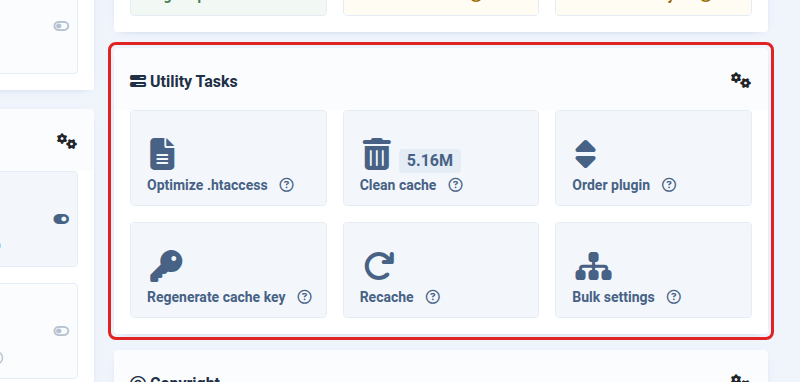
On the dashboard, click in Utility Tasks.
-
Test a page with PageSpeed Insights. Both suggestions should be gone.
The rules are added between the lines ## BEGIN EXPIRES CACHING - JCH OPTIMIZE ## and
## END EXPIRES CACHING - JCH OPTIMIZE ##, and are removed when you uninstall JCH
Optimize.
Note
Long browser caching is safe for JCH Optimize's own files because their names change whenever their content changes. If you edit your own files, use Production mode or so returning visitors get the new versions.
On Nginx or LiteSpeed servers, or if your host manages these settings for you, ask your hosting company to enable compression and browser caching.
On This Page