
Store the Cache in Redis, Memcached or APCu Pro
JCH Optimize keeps its cache in files by default, which works everywhere. If your server offers a memory store such as Redis, Memcached or APCu, using it can make cached pages a little faster still and reduce disk activity.
-
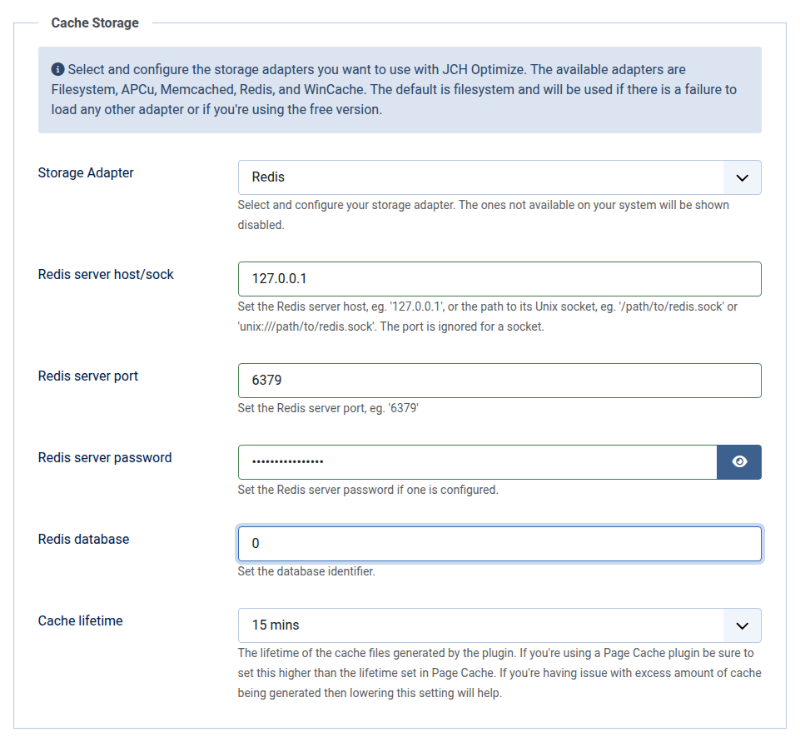
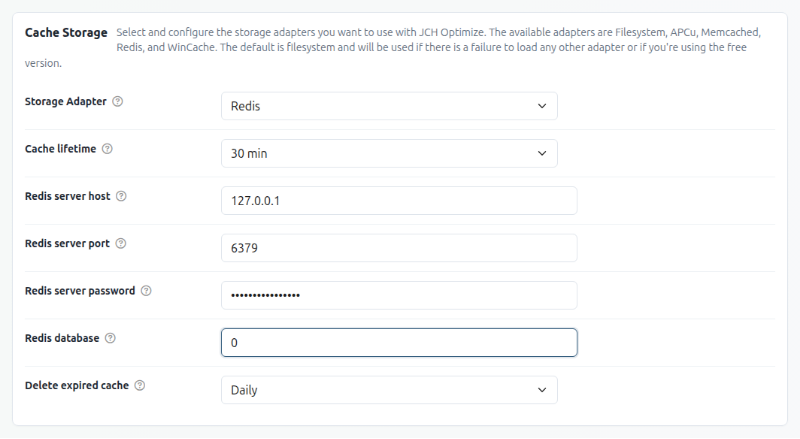
On the settings page, General tab, Cache Storage section, choose the store in Storage Adapter. Stores your server doesn't support are shown but can't be selected.
-
For Redis or Memcached, enter the server details your host gave you: host (or, for Redis, the path to a socket), port and, for Redis, the password and database number.
-
Save, then check that pages still load and the dashboard's cache size information still appears.
Joomla
WordPress
If the store can't be reached, JCH Optimize falls back to files automatically.
On This Page